Prison Escape
Level/Encounter Design Exercise in DOOM SnapMap
“Prison Escape” is a short, action-packed level made in 2016’s DOOM SnapMap level editor.
Brief Description
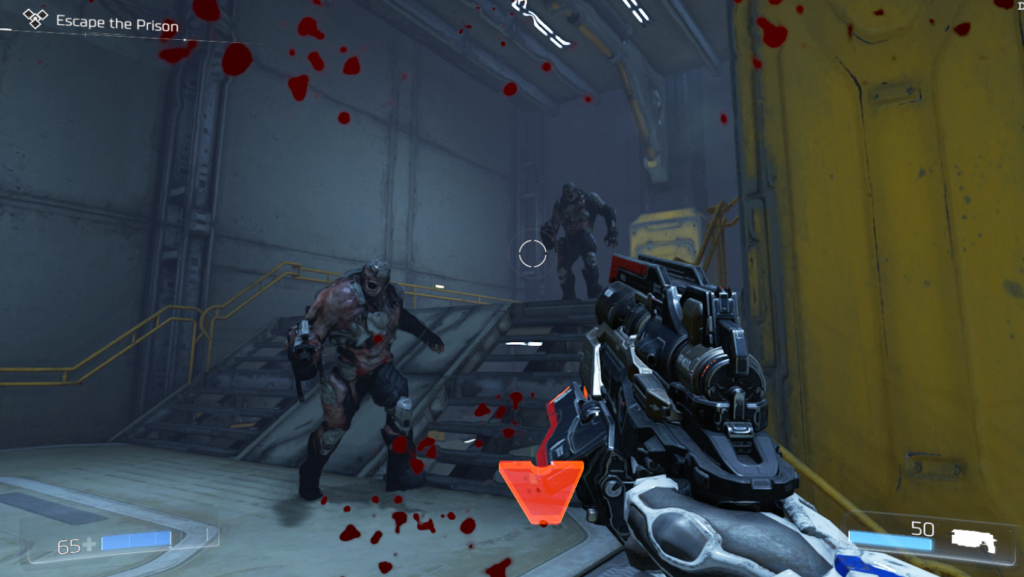
The player awakens in an isolated prison cell in the high-security wing when suddenly the earth shakes and the cell door opens. To escape from the underground prison complex, the player must fight their way through a demonic prison riot using some of DOOM’s most iconic weapons.
Project Goals
With Prison Escape my aim was to stretch my level design muscles in a new environment, explore the capabilities and limitations of the SnapMap level and simply build something that utilizes the gameplay elements of one of my favorite games.
To play Prison Escape yourself, simply search the map in SnapMaps (DOOM, 2016)
using the code Y7EKRAXN.
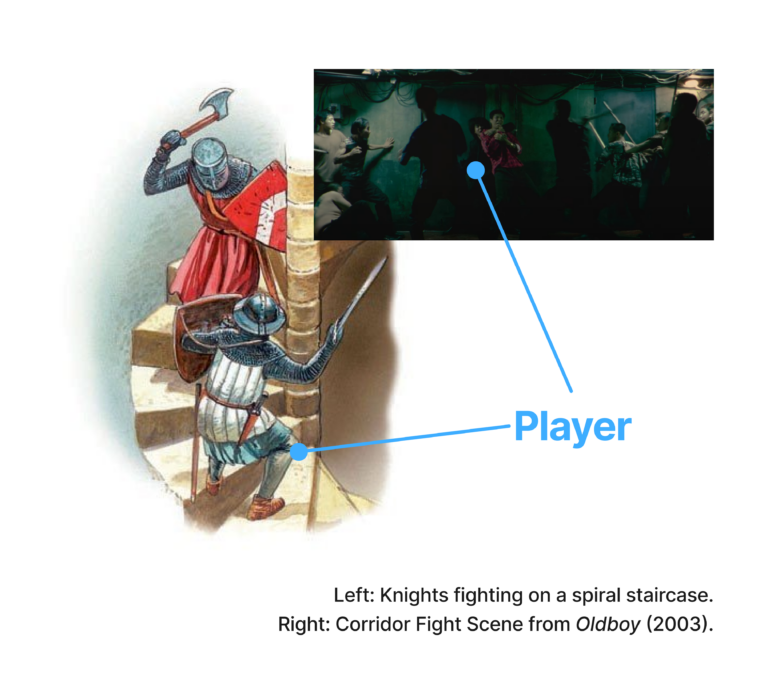
Level Vision
The central themes that dictate the experience of the level are “Climbing out of the hole” and “One man army”. The player feels like they are constantly moving upwards against the hordes of enemies that are trying to push them back down into the depths.
Despite the fact that the player is stronger than their opponents, every floor climbed should feel like a victory.
Once the player has beaten the level and reached the end, they feel like they’ve come up for air after a long dive.
Moodboard & References
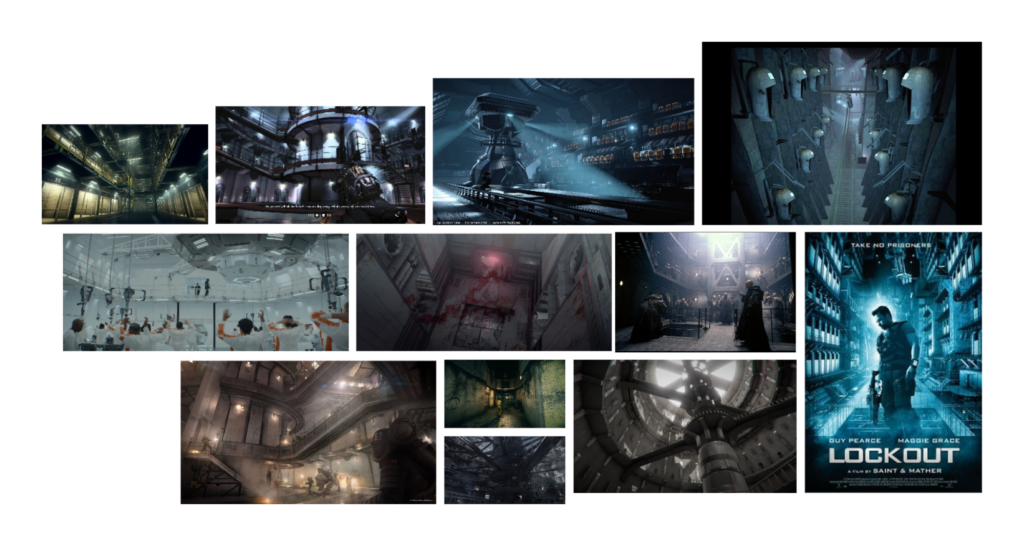
Narrative Background
The player takes on the role of an inmate in solitary confinement who is suddenly freed from his cell during a demonic prison riot. The inmates’ cell is buried deep in the earth. To escape this underground jail, one has to climb an innumerable set of stairs, get past dozens of armed guards, and hordes of rioting prisoners. To make matters worse, everyone seems to be corrupted by a demonic presence and is out to kill anyone who is still normal.
After ripping & tearing their way through dozens of enemies back to the surface, the player has to face the source of the incursion, a baron of hell.
Only when he is defeated will the inmate finally be a free man again.
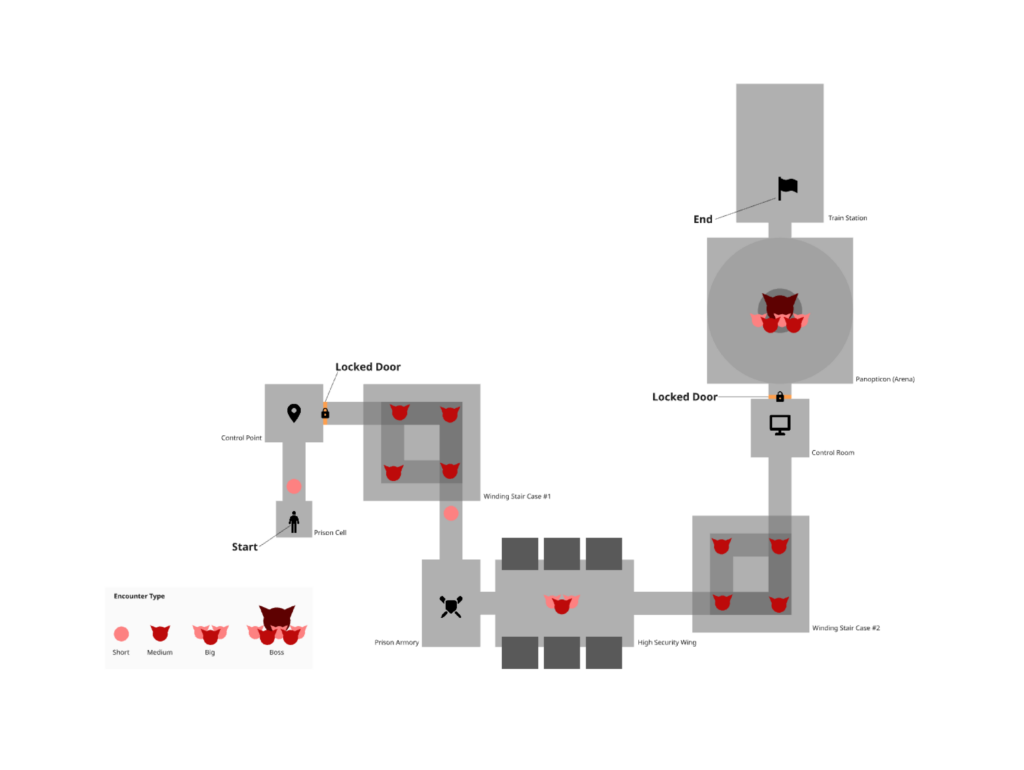
Rough 2D Layout
The initial top-down 2D Layout with all major rooms from the beat chart.
In the final level, I iterated on some elements:
- I changed the orientation of some rooms
- Added additional corridors/turns to connect spaces better
- Adjusted size and room type to work better with SnapMap’s limitations
The order of rooms and encounter types has stayed the same.
(Layout created using Miro)
Beat Sheet
Screenshots
Conclusion
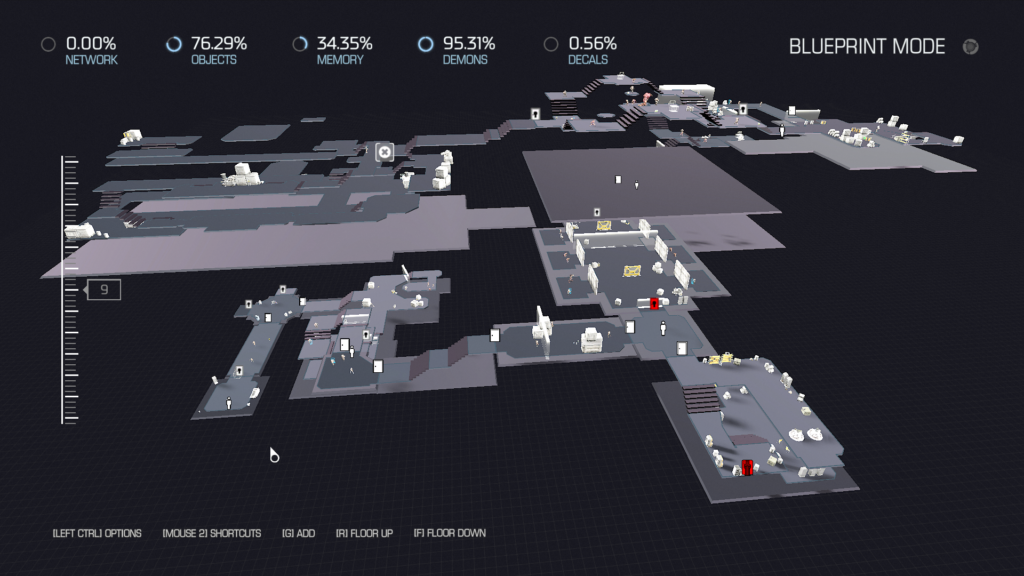
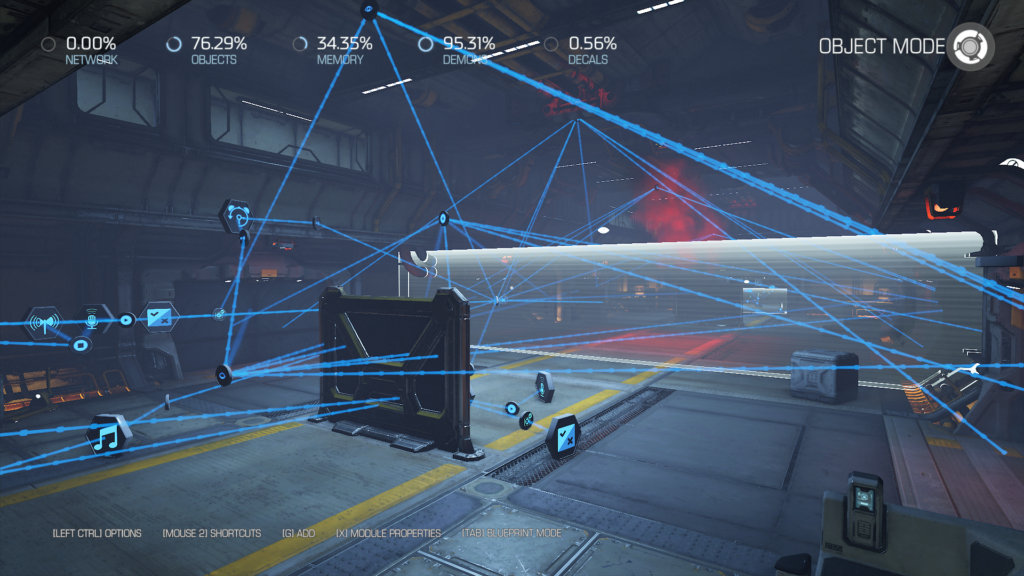
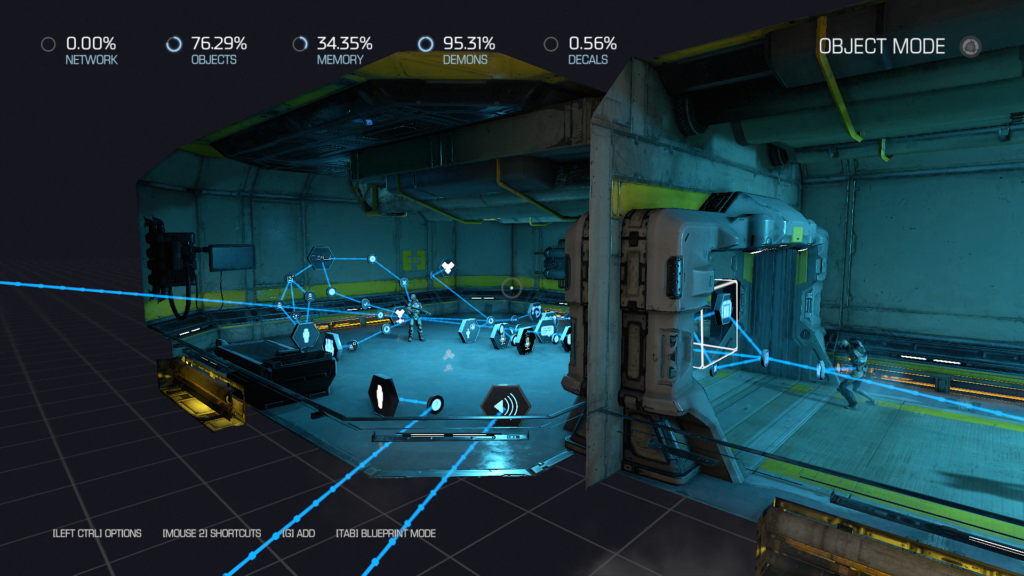
The level design exercise was a great opportunity for me to study encounter design a bit more closely and practice working within tight constraints. SnapMap is a great level editor, especially considering its age and that it was optimized for consoles. I found it very easy to arrive at a first draft of a level by simply snapping (as the name suggests) together prefabs and testing some of my ideas. However, as mentioned, the editor comes with a few limitations. Like a missing save point system or a very low number of simultaneously active AI actors that are allowed. The scripting system that the editor uses is very intuitive, as all connections are represented in 3D space. With no means to structure or sort them, this unfortunately also got very chaotic quickly (see my screenshot).
Nevertheless, I enjoyed making this level a lot! After receiving feedback from playtesters, I iterated by:
– Amping up encounters by adding more threatening enemies
– Adjusted the metrics for the short platforming at the last staircase
– Split the introduction of the weapons into two separate beats, giving the player more time to get acquainted with their “new toy” before adding the next one to their loadout